Will AI Make Learning to Code Easier, or Make Beginners Dependent on It?
A practical guide for interns and students: how to use AI as a tutor without letting it do your thinking, and the fundamentals that matter more in 2026, not less.
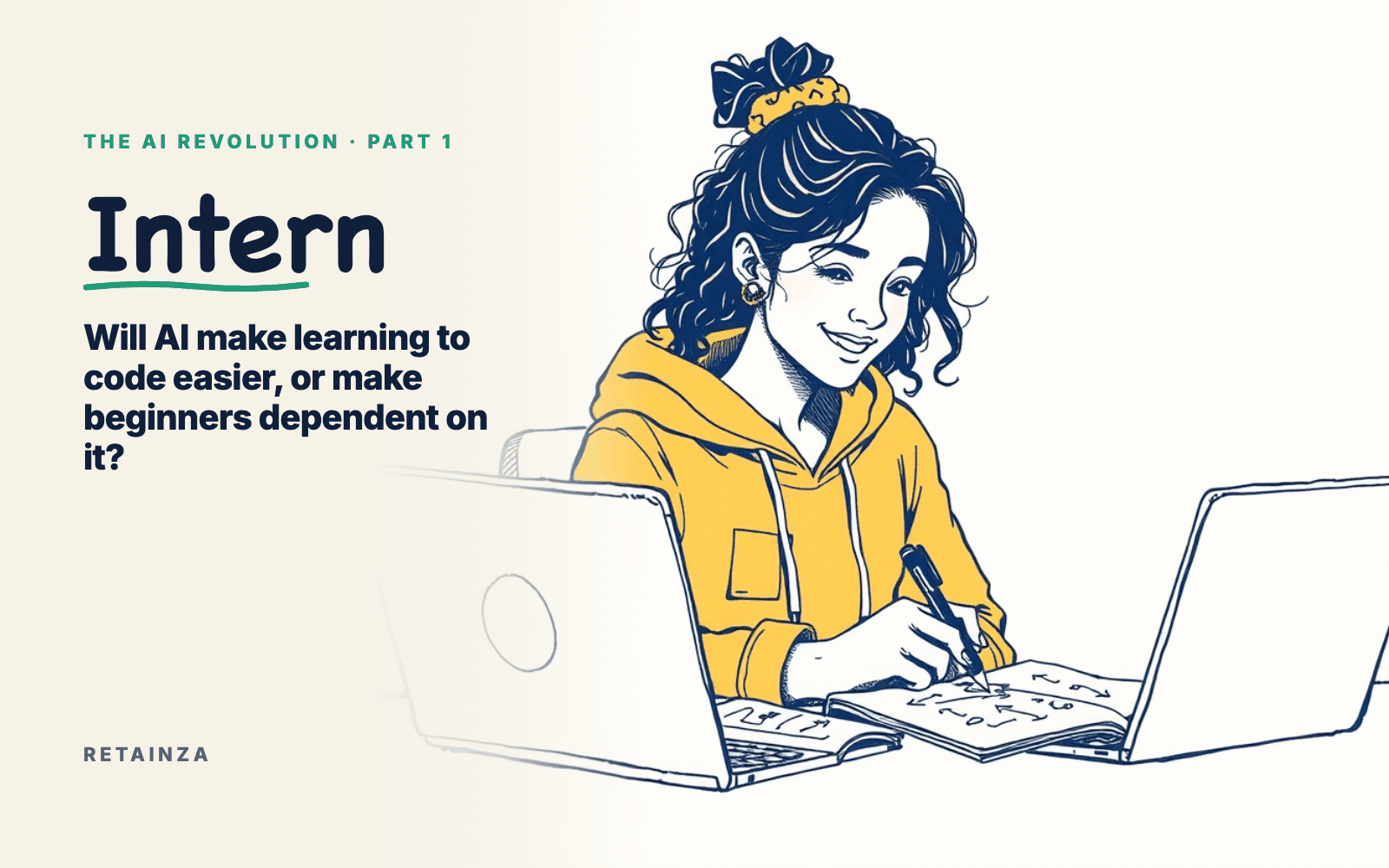
Part 1 of the series The AI Revolution: What Actually Changed for Software Developers.
If you're starting out in 2026, you have something no generation of programmers had before: a patient tutor that's awake at 2 AM, never sighs, and can explain recursion fifteen different ways.
You also have a trap that no generation had before: a machine that can hand you working code before you understand the problem.
Both are true at once. This guide is about getting the first without falling into the second.
The real risk isn't AI. It's skipping the struggle.
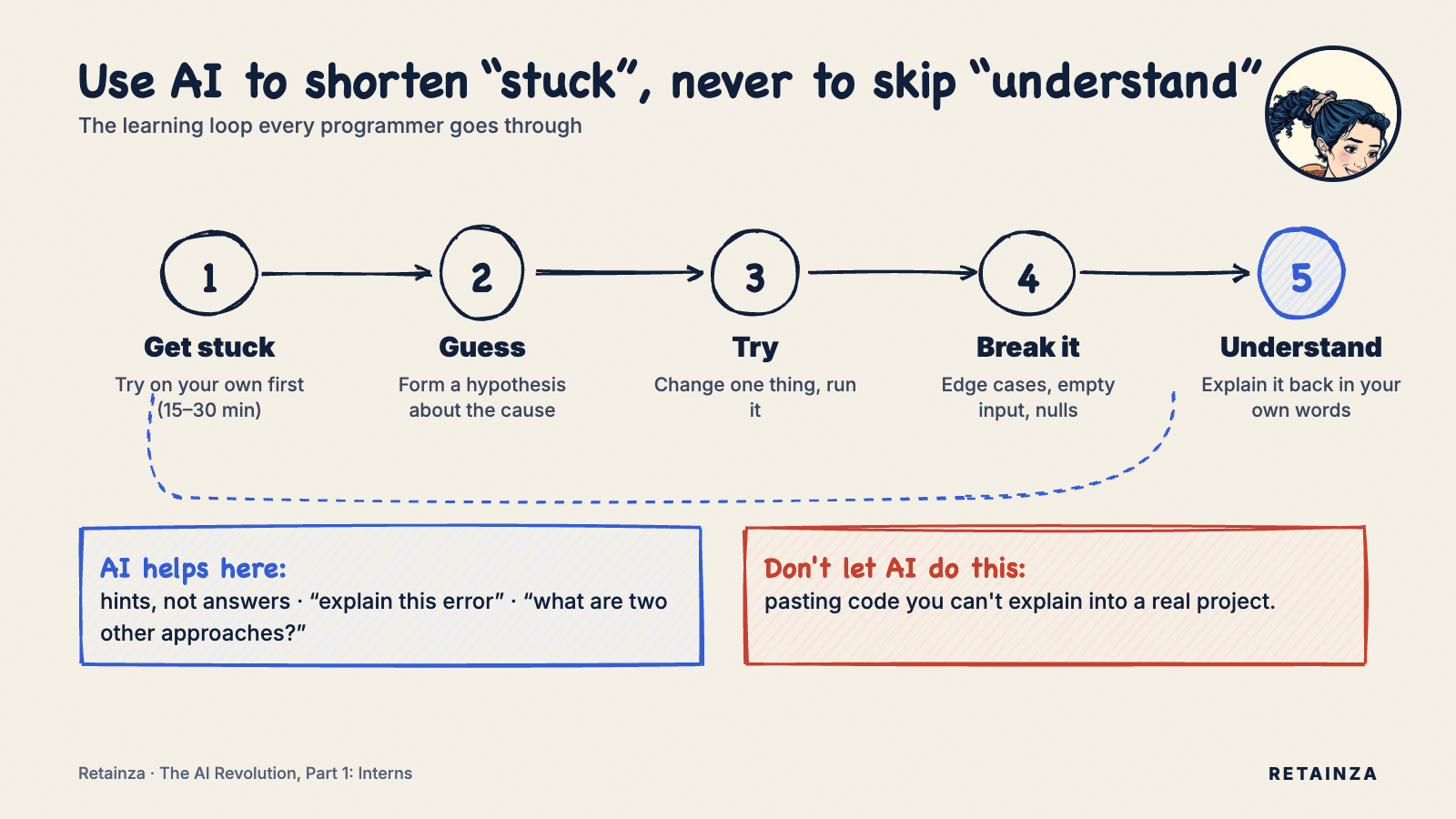
Learning to program has always worked the same way. You get stuck, you form a guess, you try it, it breaks, and you figure out why. That loop is where the skill is built. It feels slow and frustrating because that's what learning feels like from the inside.
AI can short-circuit the loop. You paste the error, you get a fix, it works, you move on. You shipped something, but you didn't learn anything you can reuse.
Developers already feel this. In the 2026 Stack Overflow survey, about 6 in 10 respondents named a reason they avoid AI in some of their work, and one of the top reasons was concern about losing their own skills. Experienced developers worry about losing skills they already have. As an intern, you're at risk of never building them in the first place.
The goal is not to avoid AI. It's to use it in a way that keeps you inside the learning loop.
Why fundamentals matter more now, not less
There's a popular argument that if AI writes the code, you don't need to understand it. The evidence points the other way.
- In the 2025 Stack Overflow survey, the top frustration with AI tools was solutions that are "almost right, but not quite", and many developers said debugging AI-generated code takes more time than expected. You can only spot "almost right" if you know what "right" looks like.
- In 2026, the most common trust answer was "I trust it when I can easily verify the output" (48%). Verification is a skill. It's built from fundamentals.
- Sam Altman, writing about software jobs, put it plainly: more people will be able to create software, but "experts will probably still be much better than novices" (OpenAI, 2025).
AI raised the floor: anyone can produce code now. It did not lower the ceiling. The people who understand what the code does are worth more, because everyone else is producing code they can't check.
The fundamentals to protect:
- Reading code. You'll read far more code than you write, and now much of it is AI-written.
- Data structures and complexity. Why is this loop slow? Why does this break at 10,000 rows?
- Debugging by hypothesis. Forming a guess about the cause before changing anything.
- How the machine actually works. Memory, the network, the request lifecycle, the database.
- Version control. Small commits, readable diffs, knowing how to go back.
- Writing clearly. A clear problem statement is the best prompt you'll ever write.
Seven rules for learning with AI
1. Try first, then ask
Give yourself a fixed time (15–30 minutes) to attempt the problem on your own. Then ask the AI. You'll understand the answer far better because you already know where you got stuck.
2. Ask for hints, not answers
Tell the AI what you want from it:
I'm learning. Don't give me the solution.
Give me one hint about what I'm missing, then wait.
This one sentence turns a code generator into a tutor.
3. Make it explain, then explain it back
When AI gives you code, ask why each part is there. Then close the chat and explain it out loud or in a comment, in your own words. If you can't, you don't understand it yet.
4. Never paste code you can't explain into a real project
This is the most important rule. If it ends up in your team's repository, you own it. "The AI wrote it" isn't an answer in a code review, and it won't be an answer when it breaks.
5. Break the AI's code on purpose
Change an input. Remove a line. Feed it an empty list, a null, a huge number. Watching where generated code fails teaches you more than watching it succeed.
6. Rebuild small things without AI
Once a week, build something small from scratch with AI turned off: a to-do list, a URL shortener, a CLI that reads a CSV. It's like a musician practising scales.
7. Keep a "things I learned" file
Every time AI teaches you something new, write one line about it in your own words. After three months you'll have a personal textbook, and proof that you're learning, not just shipping.
A good session vs a dependent session
- Dependent: "Fix this error" + paste. Learning: "Here's the error. I think it's the null check. Am I right?"
- Dependent: accept the first answer. Learning: ask "what are two other ways to do this, and the trade-offs?"
- Dependent: copy the whole file. Learning: type the key lines yourself.
- Dependent: move on when it runs. Learning: ask "what would break this?"
- Dependent: no notes. Learning: one line in your learned file.
Using coding agents as an intern
Agents can now take a whole task and run with it. As a beginner, use them carefully:
- Do use an agent to explore an unfamiliar codebase: "Walk me through how a request reaches the database in this repo."
- Do ask it to write tests for code you wrote, then read the tests.
- Do ask it to review your pull request before a human does.
- Don't hand it the tasks you were given to learn from. Your mentor gave you that ticket to grow, not just to close it.
- Don't merge anything you haven't run and read line by line.
What to show at the end of your internship
Hiring managers in 2026 can't tell much from "built a full-stack app," because AI can generate one in an afternoon. What stands out:
- A bug you tracked down, and how you found it.
- A design decision you made and the alternative you rejected.
- A pull request where you pushed back on AI-generated code and explained why.
- Notes, docs or a write-up showing how you think.
Learn to think with AI. Don't let AI think for you.
Where to go next
- Back to the hub: What actually changed for developers, 2023–2026
- Next level: From writing code to reviewing AI: the new junior developer skillset
Sources
- Stack Overflow Developer Survey 2026, AI: survey.stackoverflow.co/2026/ai
- Stack Overflow Developer Survey 2025, AI: survey.stackoverflow.co/2025/ai
- OpenAI: Jobs in the Intelligence Age (2025)
- Milken Institute: Conversation with Jensen Huang (2025), on using AI as a tutor